Hi! I’m new to SAInt, and I’m following the tutorials to learn to use the software, but I have encountered an issue. Right now, I am at step 3 (Table 1) of the Fundamentals of DCUCOPF Scenarios, where I add the Fuel Generators and configure their properties. When I try to modify the values of FC0 or FC1, this happens:
-
Modifying either value reverts the value to 0 and makes an “error” sound.
-
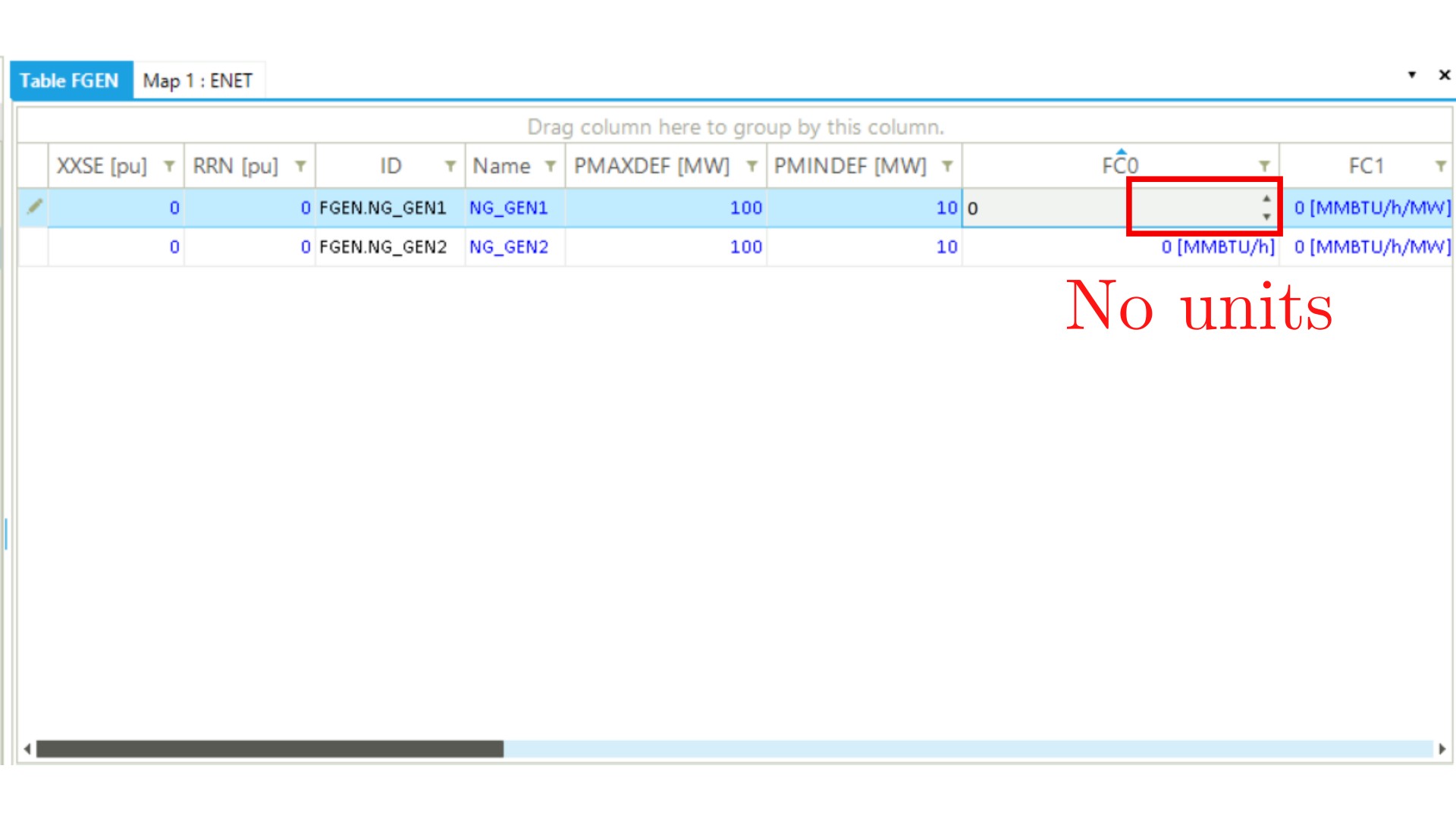
While editing, units are not shown.
-
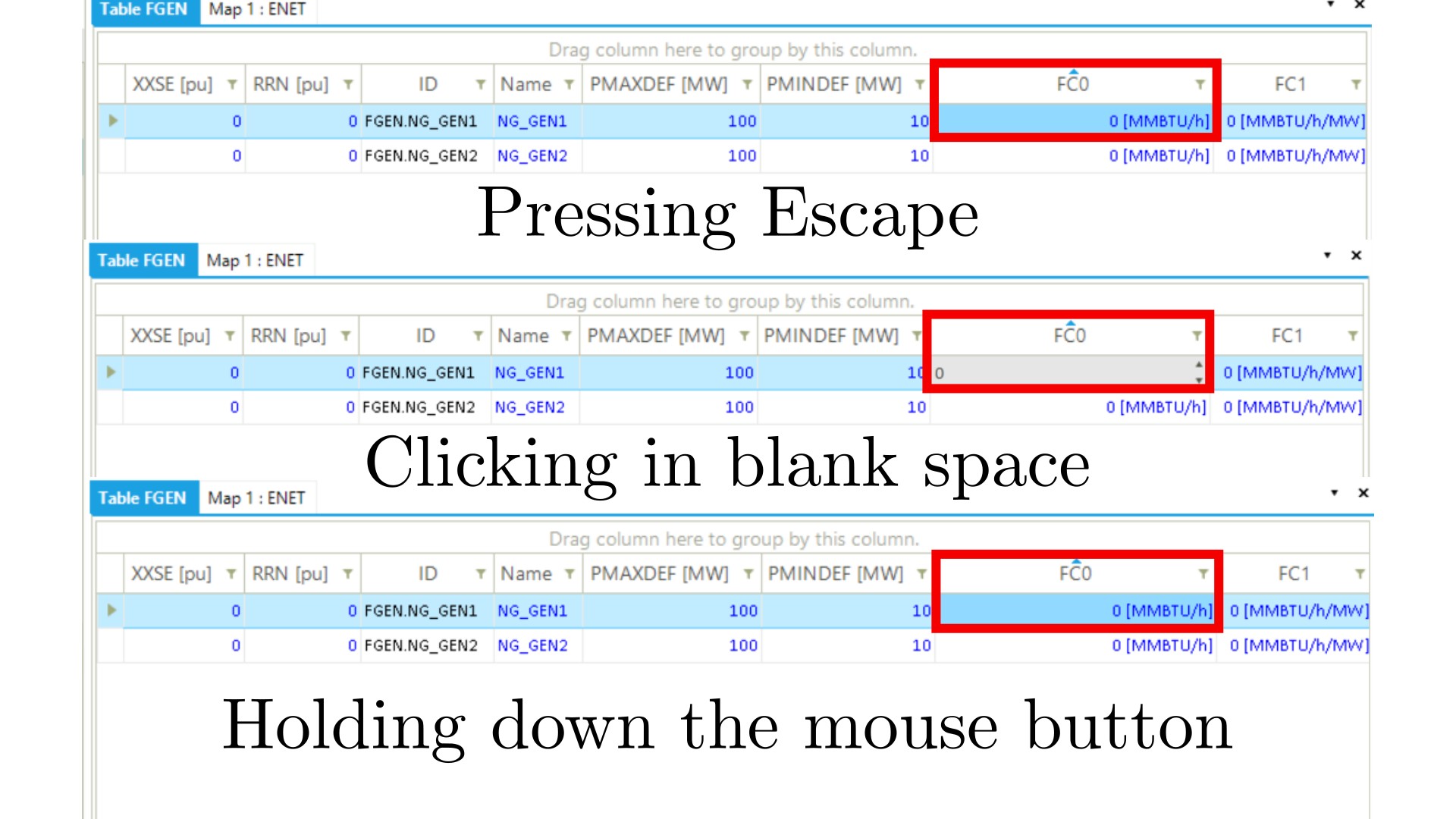
After failing to edit either value and then clicking Escape to deselect the cell, clicking the mouse button in a blank space returns the cell to its “editing mode”, and holding it down makes it go to the “display mode” (blue letters) again.
-
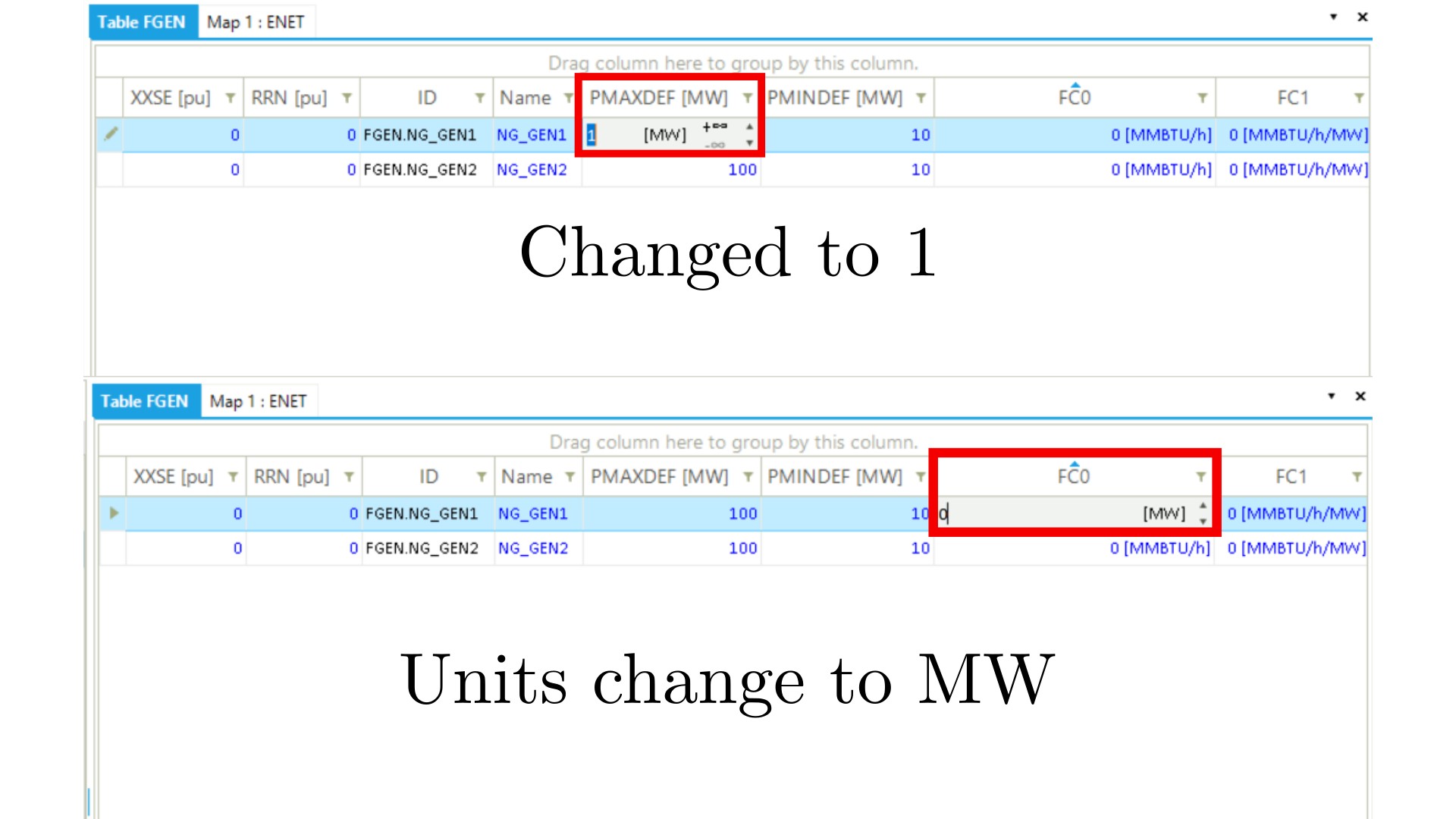
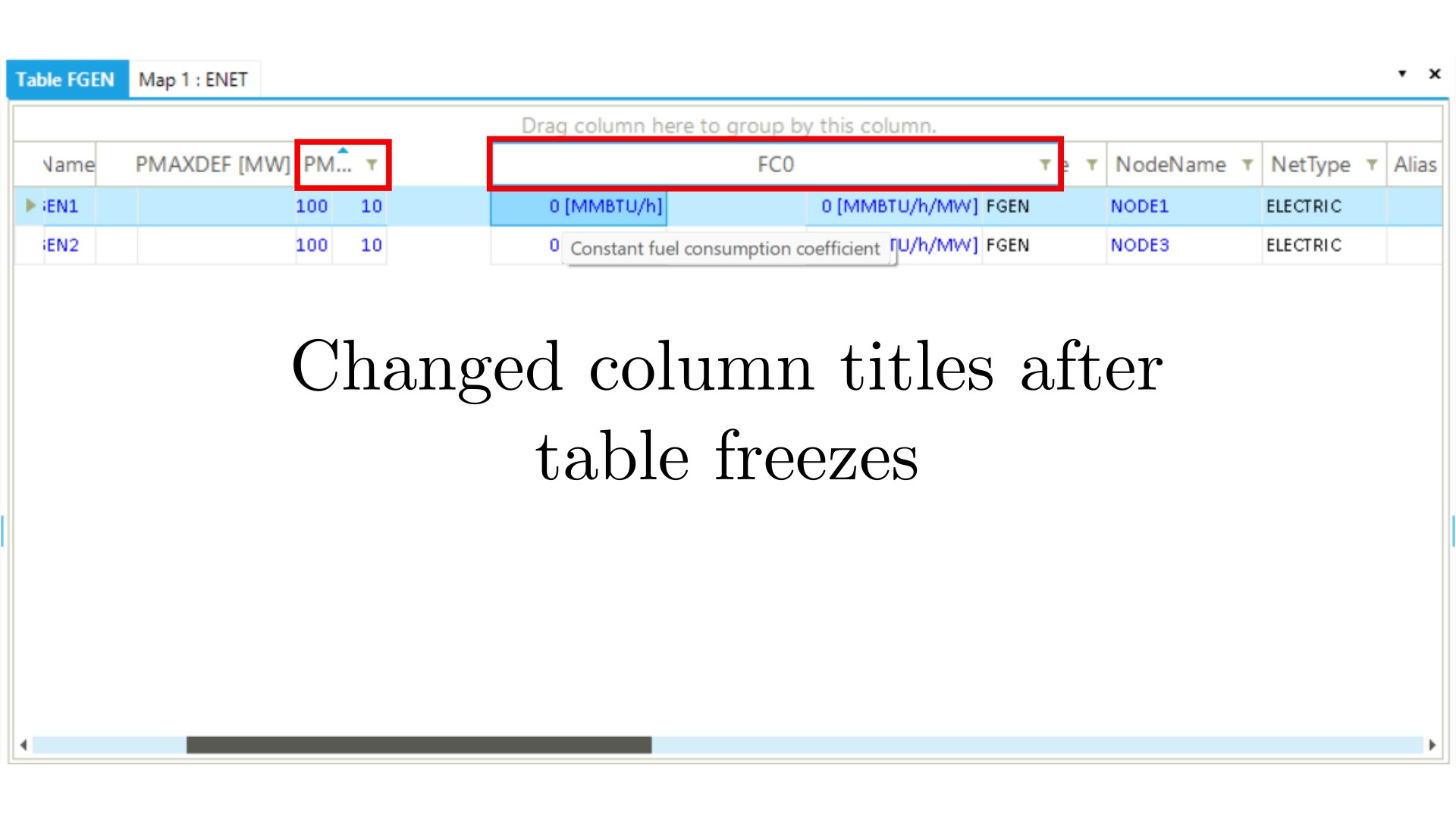
After failing to edit either value, if I edit another property, for example, “PMAXDEF” makes the editing value go from 100 → 1. Then, if I try to edit FC0 or FC1 again, the units of the previously selected property are shown in the FC0 and FC1 cells (in this case [MW]). If, after this, I click Enter and then select another property, the whole table freezes, and I can’t modify values, column width*, or add/delete columns until I restart the program. The changes I make to the table after it freezes are shown when the program has restarted (adding/removing columns).
*Column width can be modified, but only the column titles.
I don’t actually have to modify the value for these things to happen; just entering the “edit mode” of the cell triggers these behaviors. I also tried to edit these values by opening the .enet file in Notepad, but the values (FC0=“3”, FC1=“7.5”) appear as divided by 1000 (FC0=0.003, FC1=0.0075) in SAInt, so I decided it would be better to post the issue here.
I don’t really know if I am doing something wrong, or if it is unexpected behavior. Any help would be appreciated!
Version: v3.9.11.5 (64-Bit)
 next to the entry “FuelConsumptionCurve”. From there, you can access and modify the values for the properties “ConstFuelConsCoeff (FC0)” and “LinFuelConsCoeff (FC1)”.